Emails going to spam? SPF, DKIM and DMARC explained
You send a quote, invoice or appointment confirmation – and the customer finds it in spam days later. For a small business this is not a minor technical issue. In many cases the reason is missing or incorrect email authentication.
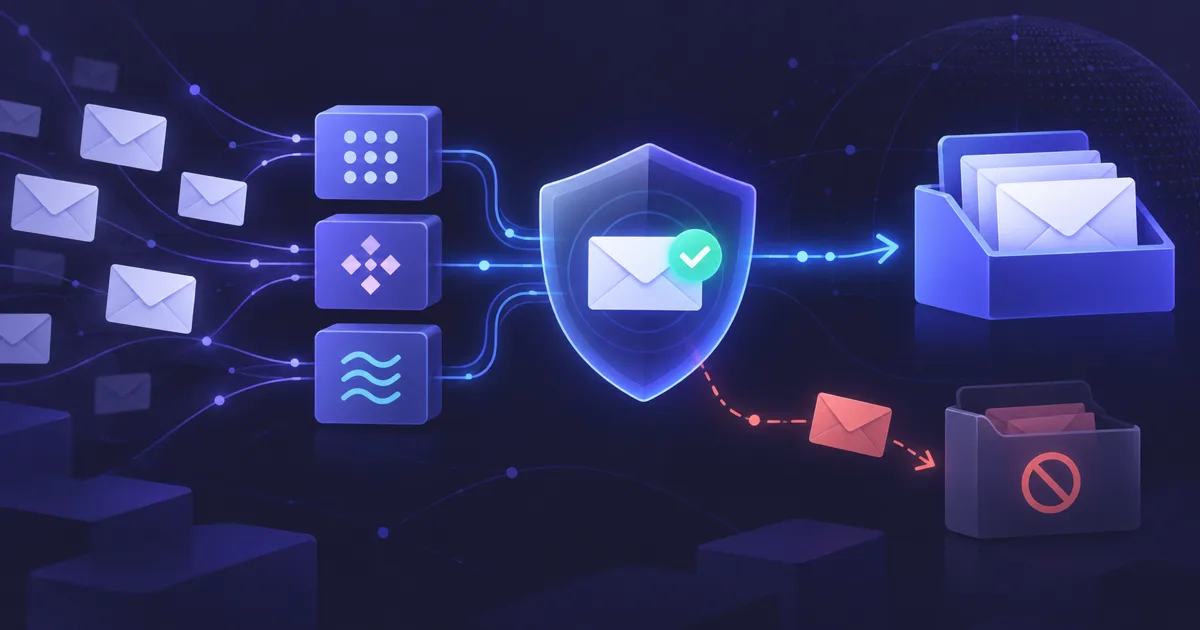
Why do business emails end up in spam?
Mailbox providers check whether the visible sender is technically trustworthy. They look at authentication, DNS, reputation, content and user complaints.
Since February 2024, Gmail requires at least SPF or DKIM for all senders to Gmail accounts. Bulk senders above 5,000 messages per day need SPF, DKIM and DMARC, valid DNS, TLS and low spam rates. Even smaller companies benefit from the same setup.
- Symptoms: quotes, invoices or form replies do not arrive
- Common causes: missing DNS records or badly connected third-party tools
- Deliverability is a mix of technology, content and sender reputation
What is SPF?
SPF lists which servers may send email for your domain. If you use Google Workspace, Microsoft 365, a website form, CRM and a newsletter tool, the legitimate senders must be covered.
A common mistake is having several SPF records. They must be combined into one TXT record starting with v=spf1. Also watch the SPF limit of 10 DNS lookups.
- Use exactly one SPF record
- Include all real senders
- Do not blindly add provider snippets as separate records
- Choose ~all or -all deliberately
What does DKIM do differently?
DKIM signs each message cryptographically. The public key is published in DNS under a selector such as selector1._domainkey.
DKIM is important because SPF can fail during forwarding, while a valid DKIM signature often survives. Gmail requires DKIM keys of at least 1024 bits for personal Gmail recipients and recommends 2048 bits where supported.
- Enable DKIM for every sending service
- Use 2048-bit keys where possible
- Re-check after domain or provider changes
- Remove unused old selectors
Why do you need DMARC as well?
DMARC tells receiving servers what to do when SPF or DKIM fails or does not align with the visible From domain. Policies range from p=none to quarantine and reject.
For small businesses, starting with p=none is usually safe. It allows monitoring before enforcement. Later you can tighten the policy after checking all legitimate senders.
- Start with monitoring
- Fix newsletter, shop, form and invoice senders
- Move to quarantine or reject only after tests
- DMARC also helps prevent domain spoofing
What about forms, newsletters and invoice tools?
Many problems come from add-on systems rather than the normal mailbox. A contact form, newsletter platform or invoice tool may send as your domain without being authenticated.
Each system needs a clean sending path: authenticated SMTP or transactional mail for forms, domain authentication for newsletters and provider-specific DNS records for invoice tools.
- Do not use the visitor’s email as the From address
- Use Reply-To for the customer address
- Do not send newsletters through the normal info@ mailbox
- Test DNS after every new tool
How can small businesses check deliverability?
Send real test emails to Gmail, Outlook and your own mailbox. Check headers and use SPF, DKIM and DMARC tools. The key question is whether every real sending system passes.
Also check your business email signature. German IHK guidance points out that business emails can require legal footer information, especially for registered companies.
- Check DNS records
- Send test emails from all systems
- Look for spf=pass, dkim=pass and dmarc=pass
- Keep spam complaints low
- Re-test after hosting or tool changes
When should you ask a provider for help?
A simple single-mailbox setup can be fixed quickly. Multiple tools make it easy to create duplicate records, typos or forgotten DKIM selectors.
A clear owner for DNS, hosting, forms and email prevents recurring issues. In a managed website subscription, these basics can be checked whenever a new tool is added.
Frequently asked questions
Do small businesses need SPF, DKIM and DMARC?
+Why is SPF alone not enough?
+Can I have several SPF records?
+Which DMARC policy should I start with?
+Should website forms send authenticated email?
+Website subscription — from €79/month
Custom web design, German hosting, maintenance and personal support in one monthly package.
Book a free consultation